REAL FILM CHARACTER
theLAB V5
Film color, grain, halation, and print character for your photographs. Built by a photographer and film-lab owner.
Try a starter selection free. Pro unlocks the full toolkit.
Download for Mac
Free to try · macOS 13 or later
Apple Silicon and Intel
Updating the Mac app
Updates are free. Choose Check for Updates in theLAB to install app improvements and library additions. Your Pro access, saved looks, adjustments, and downloaded assets stay in place.
Using an older version without the built-in updater? Install the latest Mac download once. Future updates happen inside the app.
Finish the photograph.
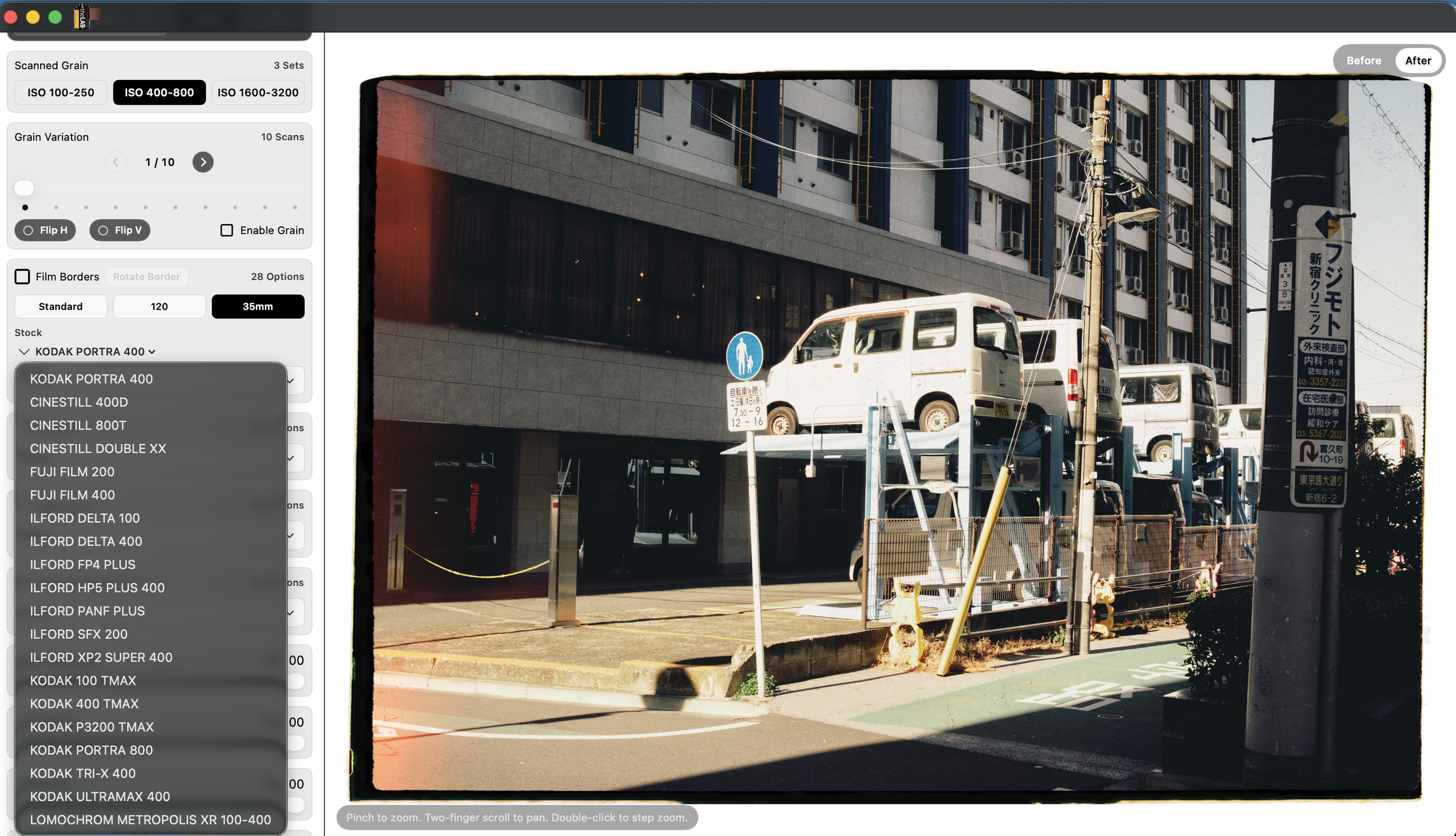
Build your look with film-inspired color, scanned or generated grain, halation, scanner character, real film borders, and paper textures.
On Mac, use theLAB on its own or alongside Lightroom Classic and Capture One. Send an image to theLAB, shape the finish, then save it back or export a new file.
Real film borders.
Explore 35mm, medium-format, and large-format frames.
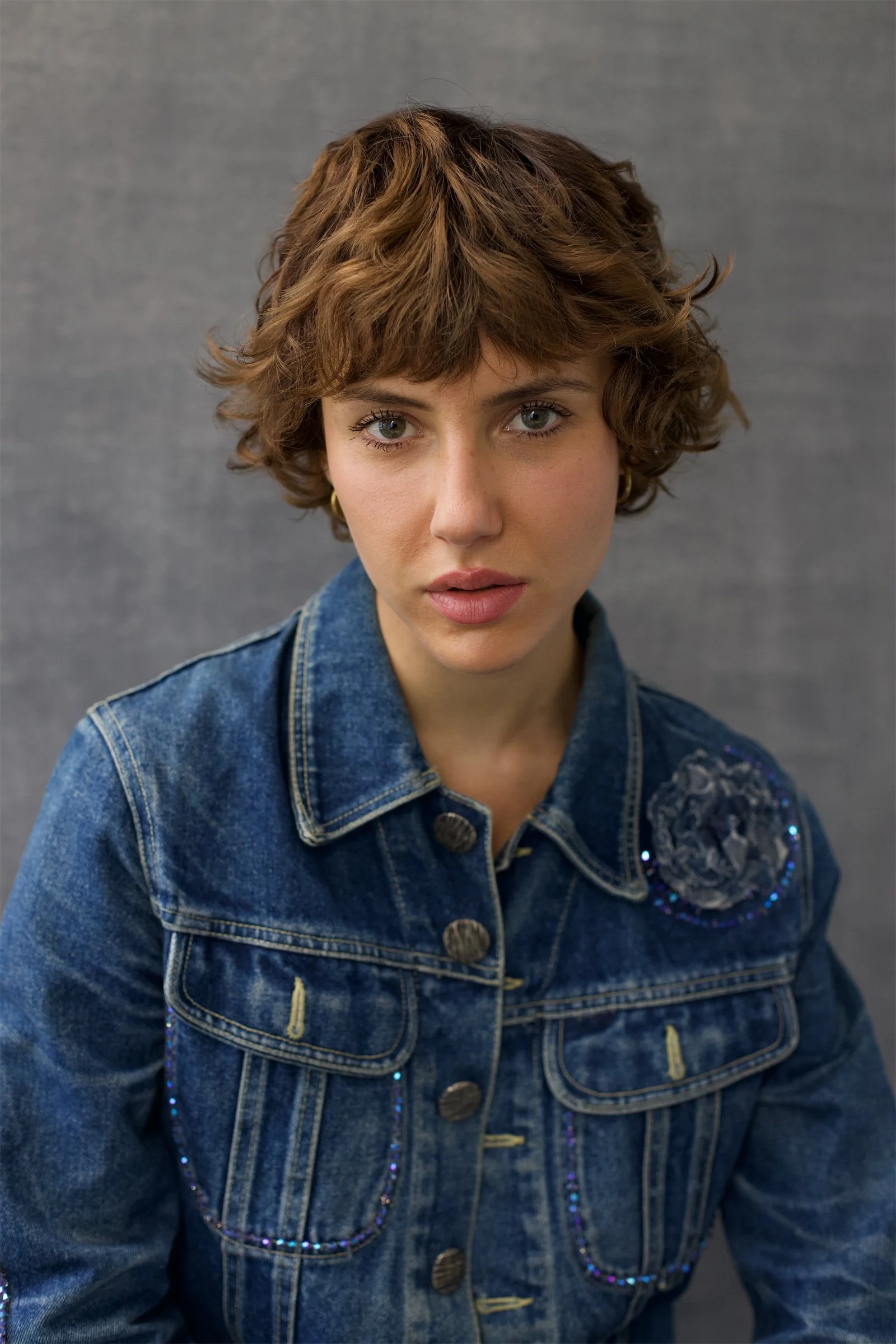
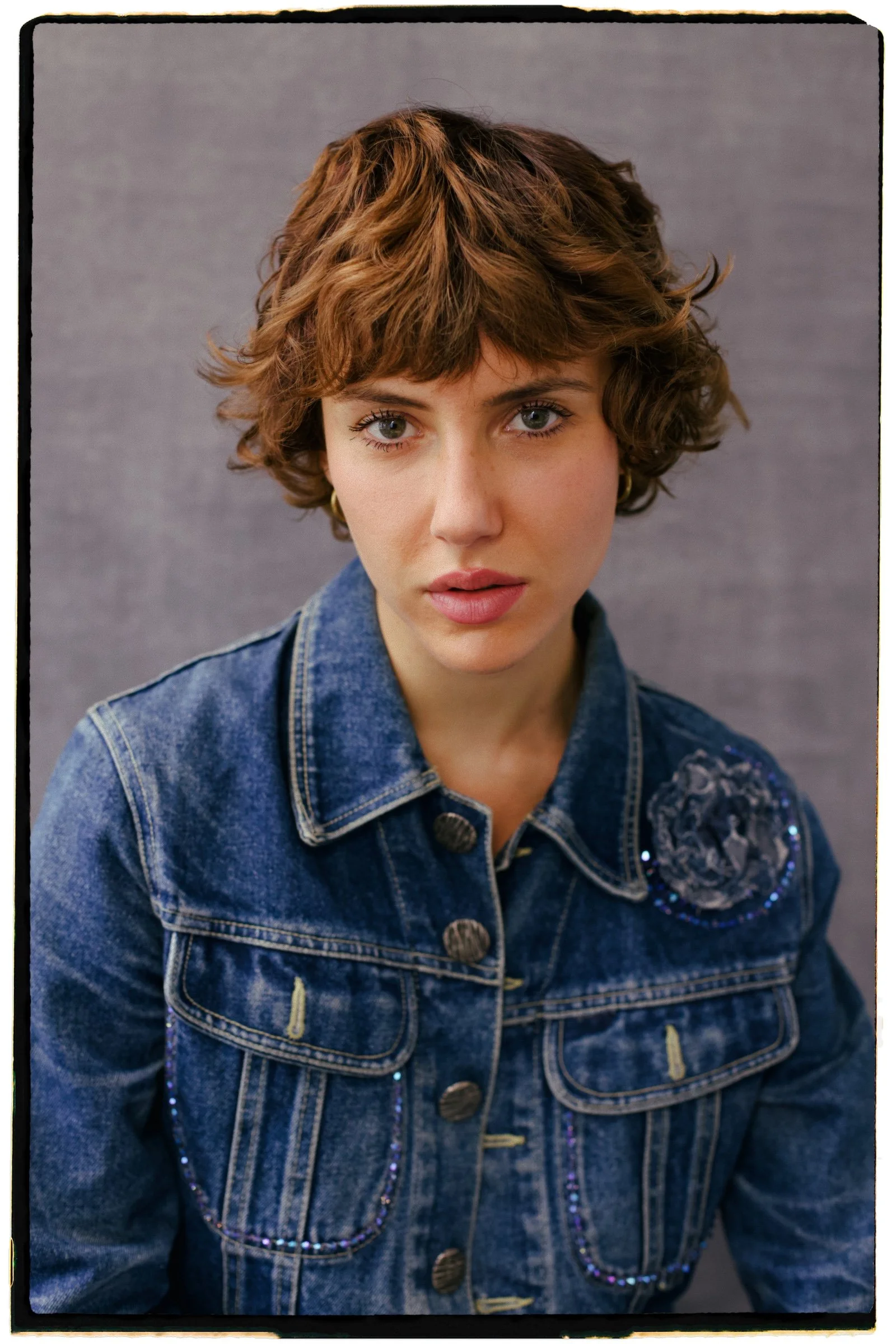
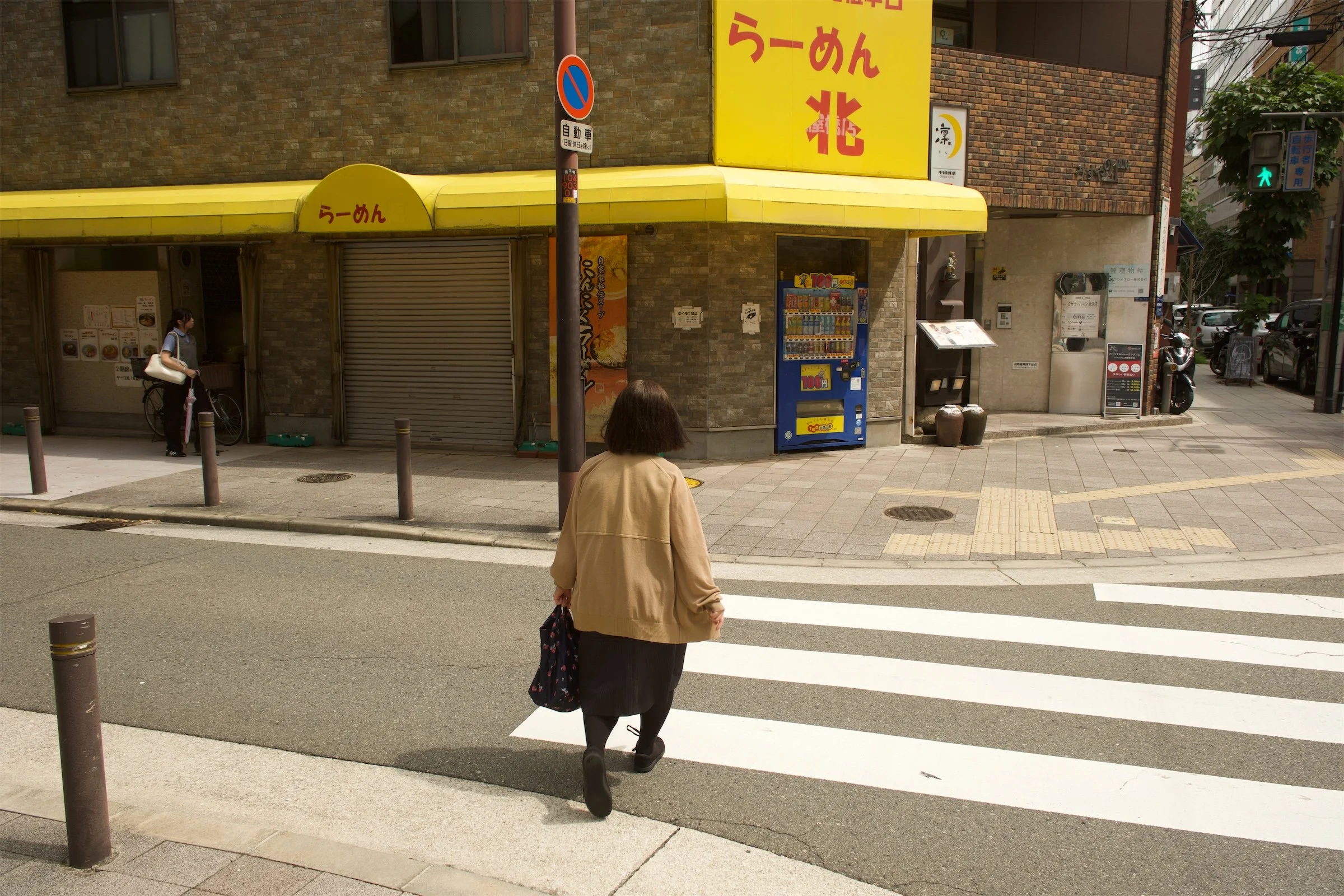
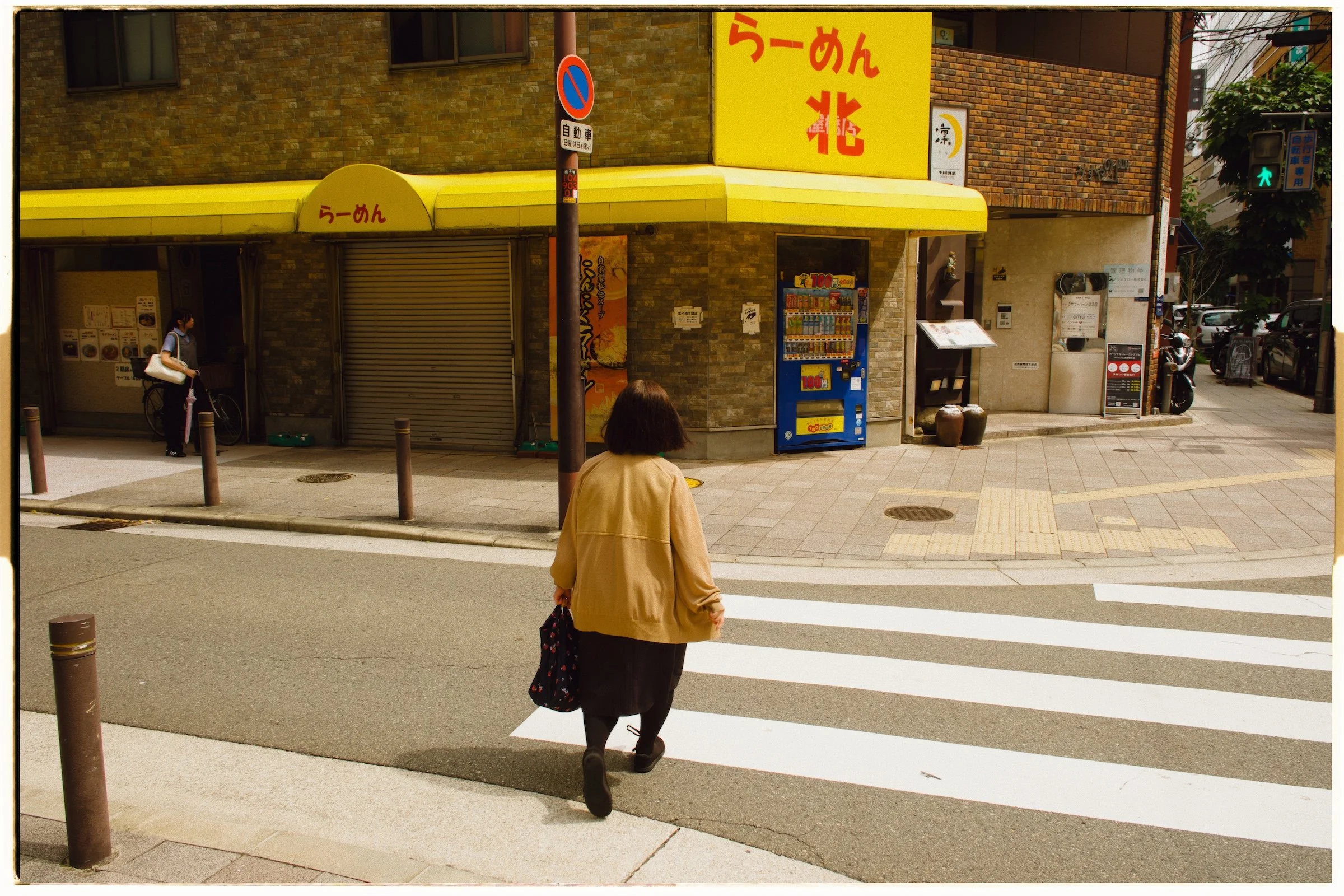
Move your pointer or drag to compare.
Texture with character.
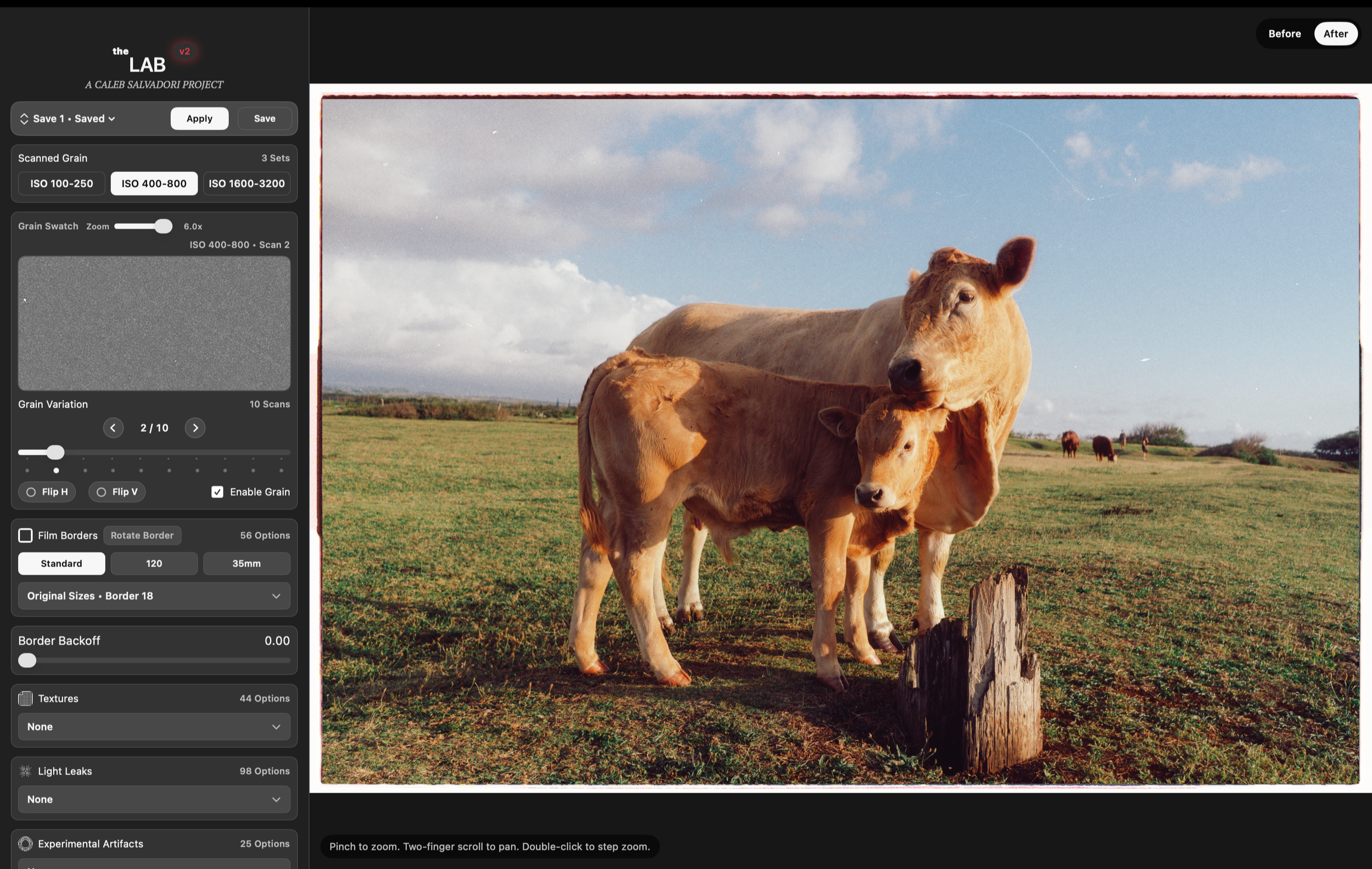
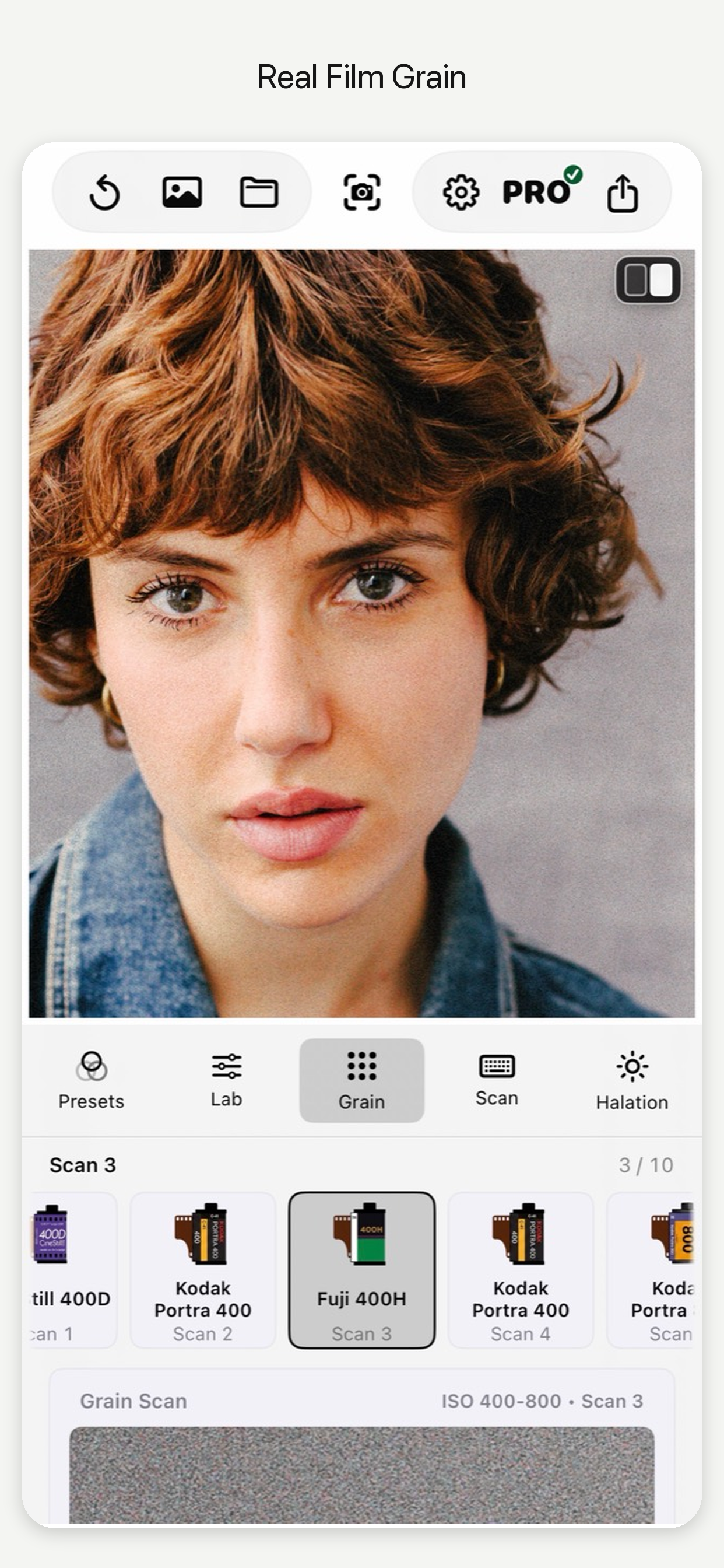
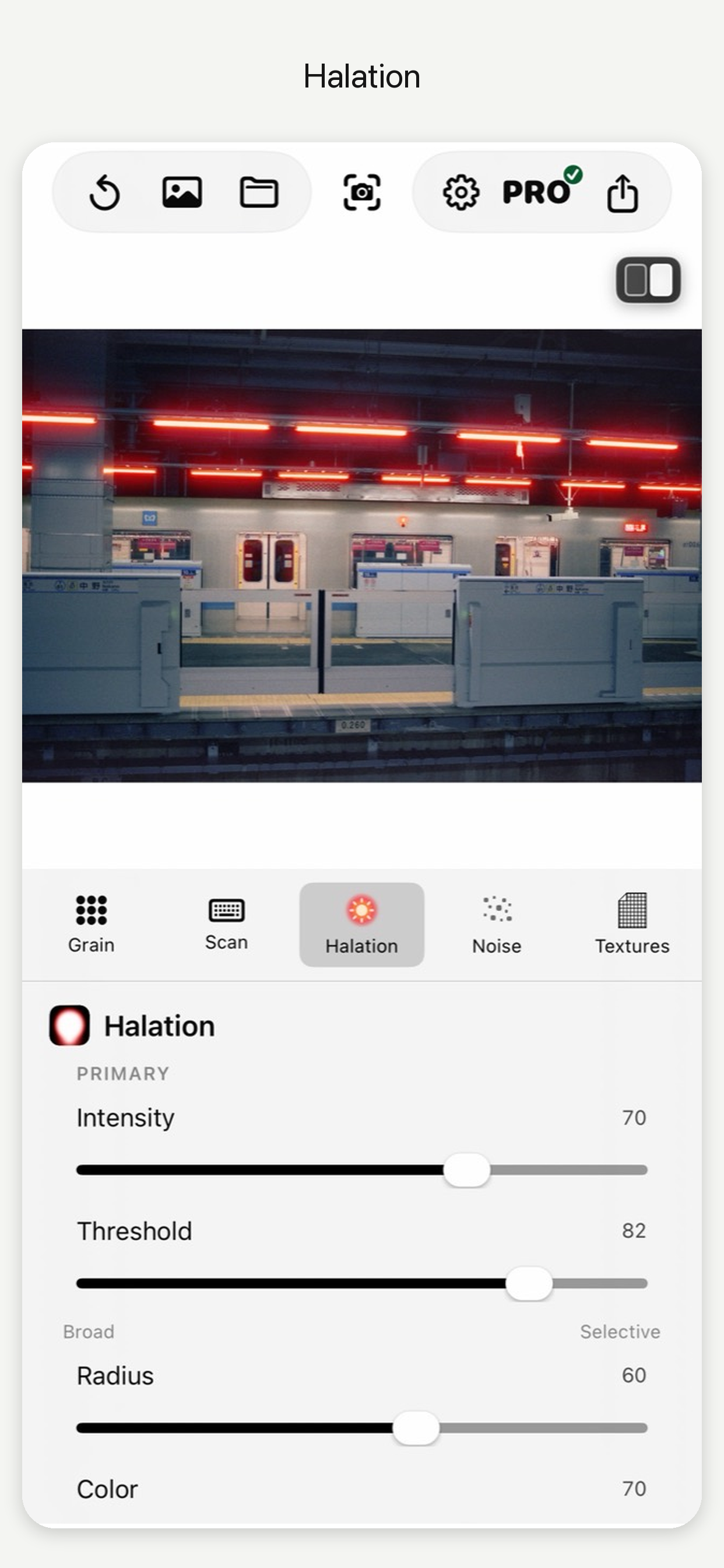
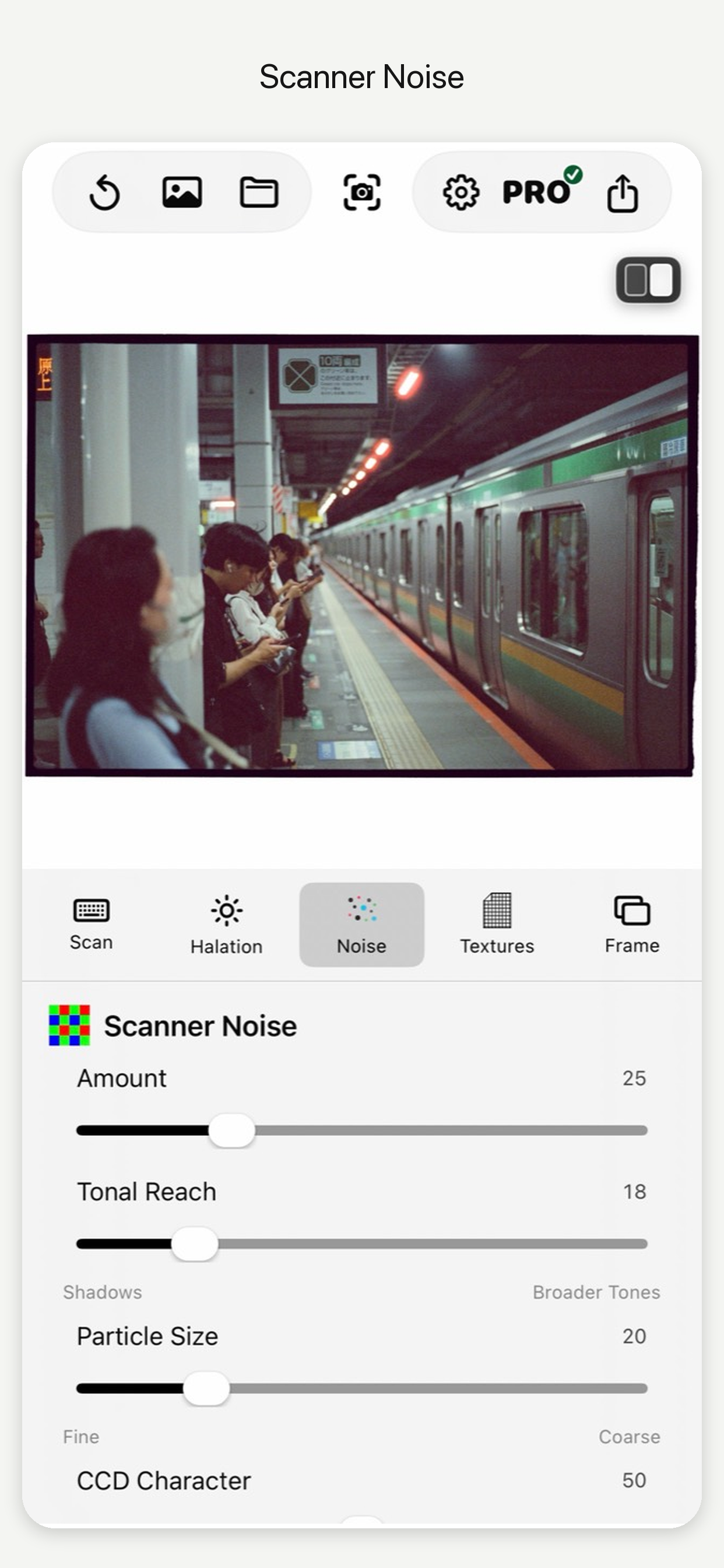
Choose the distinctive texture of scanned film grain or the flexibility of Generated Grain. Add scanner noise and halation to shape the finish, from subtle texture to a more expressive analog look.
Start free. Make it yours with Pro.
Free
Try selected film looks, scanned grain, borders, textures, light leaks, and artifacts on your own photographs.
Lifetime Pro
Mac: US$99 · one-time purchase
Unlock the complete film-look and finishing library, Generated Grain, halation, scanner noise, and advanced lab controls.
A Lifetime Pro purchase on Mac or through Apple unlocks Mac, iPhone, and iPad after linking your purchase.
In the US App Store: Lifetime Pro $74.99, yearly $39.99, or monthly $9.99. Monthly and yearly plans cover iPhone and iPad only. Local pricing and applicable taxes are shown at checkout.
Already own Pro? Link your devices
Purchased on Mac
Install the iPhone or iPad app. Open Pro, choose “Already Have Pro on Mac?” and sign in with your purchase email.
Purchased Lifetime Pro on iPhone or iPad
Open Pro, choose “Set Up Mac Pro Access,” and link your verified Apple purchase to an email. Sign in with that email in the Mac app.
WHAT’S NEW
theLAB V5
V5 expands the Mac workflow from film color and grain to the final print. These highlights include the latest Mac release, 5.4.
A new finish with Print Lab
Explore Photographic Paper and Book Print treatments, with control over color, tone, softness, and paper surface.
More control over grain
Start with Fine, Medium, or Coarse Generated Grain. Adjust size and softness, shape the grain across five tonal zones, and use Auto for a starting balance that adapts to each image. Grain Integration helps image detail and texture feel more cohesive.
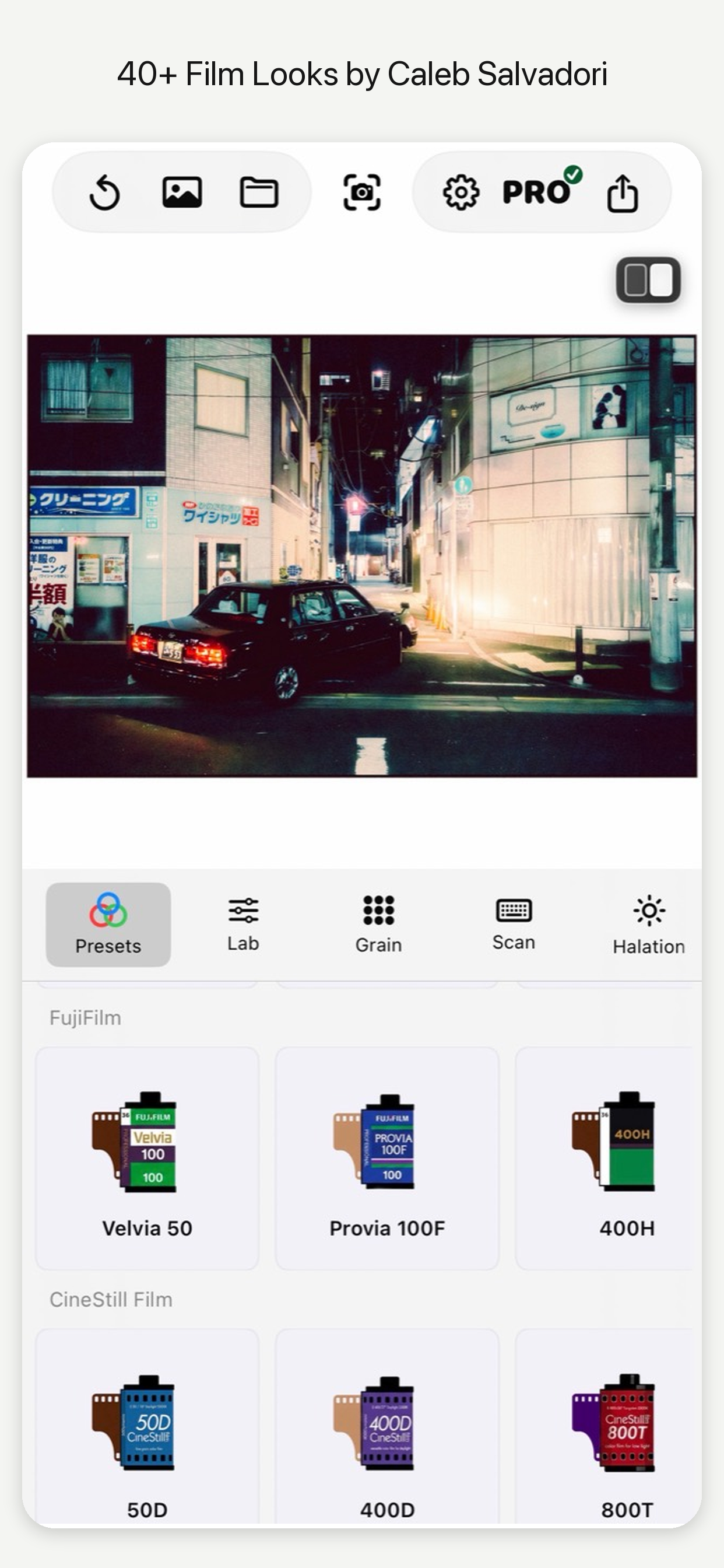
59 film looks on Mac
The expanded collection includes 12 new film color profiles, refined existing looks, and a continuous Soft–Standard–Hard contrast control for black-and-white looks.
A smoother editing workflow
Browse looks with smoother previews, zoom with a compact slider that snaps to Fit, and expand borders while keeping the photograph’s size unchanged.
Your library, on your terms
Preview and download the asset packs you need, then remove downloaded packs to reclaim space. Pro ownership and saved edits are retained.
Download the latest Mac version · Get the iPhone & iPad app
Mac and mobile have separate version numbers. Check the App Store for the current mobile release and its latest features.
v2.1 Release Notes
Added 10 new Medium+Large format borders
Improved the Scanner Noise and added a CCD slider option for more accurate film noise
Added real film stock icons that represent the film grain you have selected
Small UI tweaks
Capture One is now fully supported
v2 Release Notes
theLAB v2 is a major update focused on more accurate film rendering, improved realism, and a more stable workflow from Lightroom to final export.
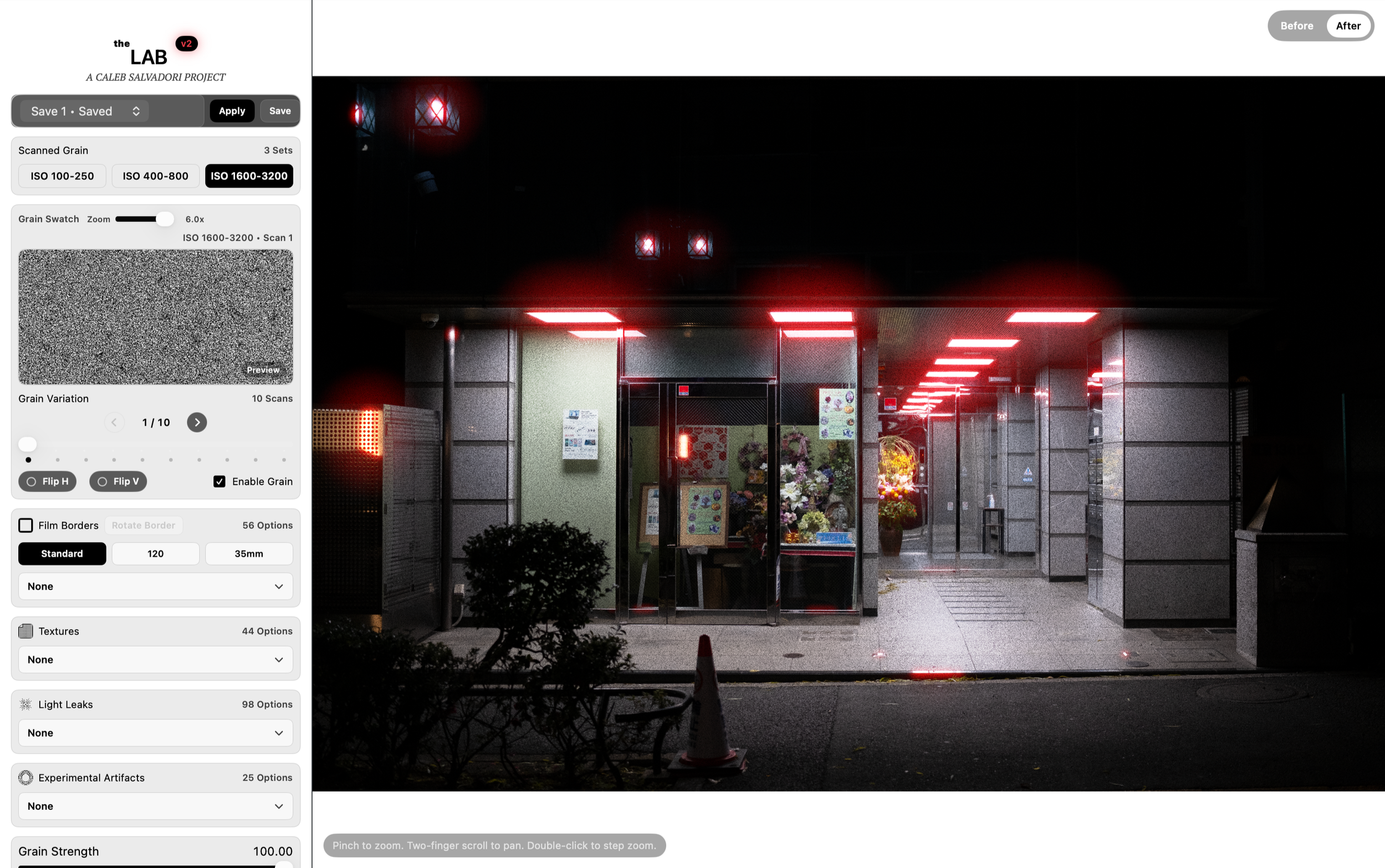
Improved halation rendering, especially for night street photography and high-contrast scenes
Added an entirely new Scanner Noise section to emulate the CCD sensor noise found in real film lab scanners
Added 400+ new real film borders
Improved 16-bit TIFF support and overall stability
Fixed Lightroom round-trip issues affecting certain Mac systems
Improved importing and exporting reliability when working back and forth with Lightroom
Added a wide range of bug fixes, workflow improvements, and app stability updates throughout theLAB
Added a dark mode